A link in bio page only the people with the password can open
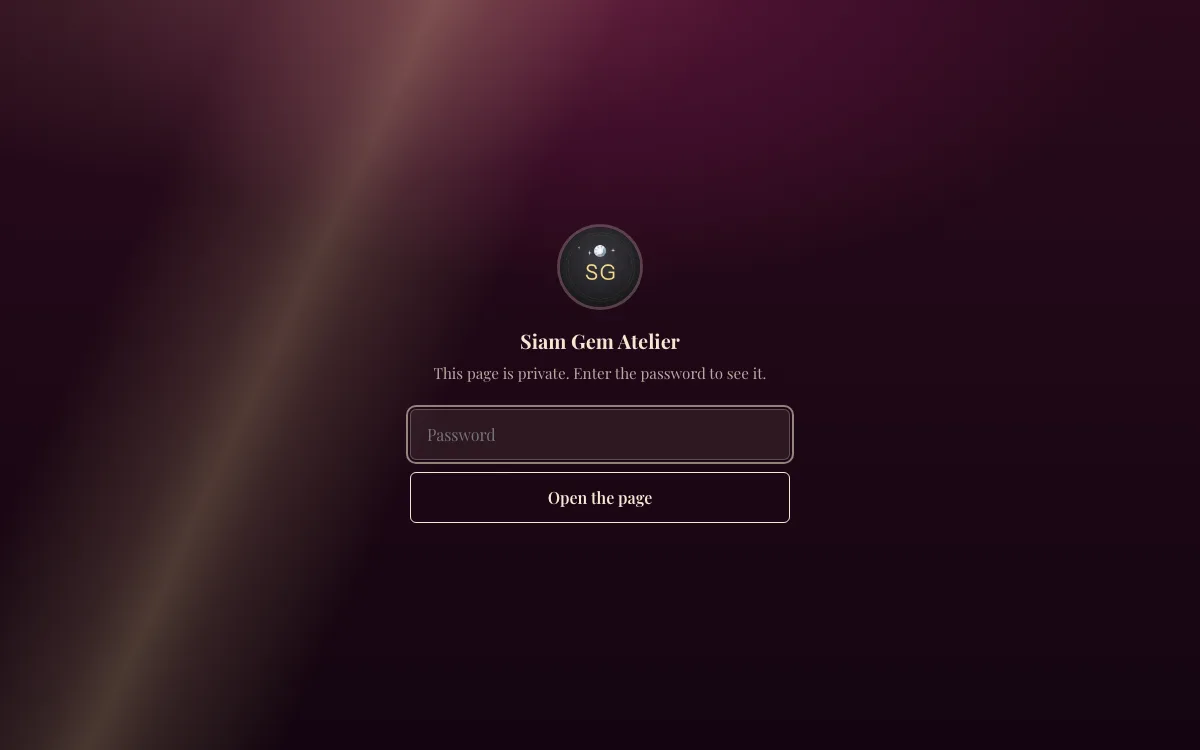
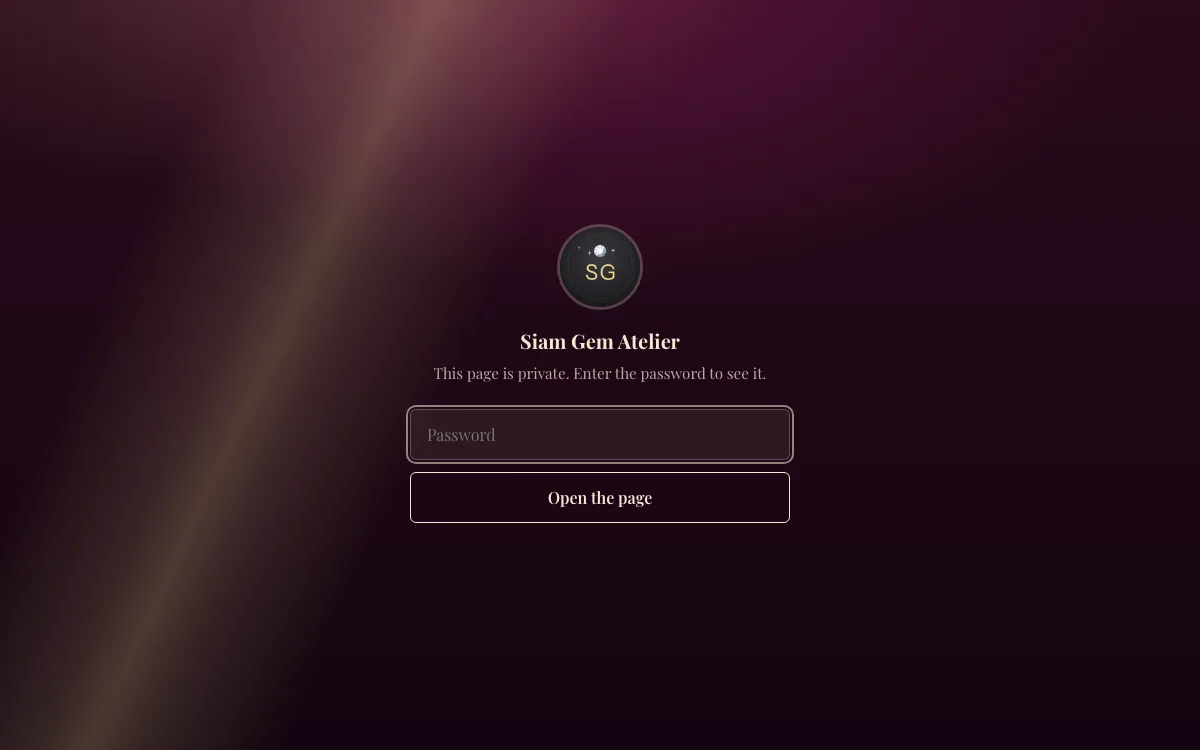
Set one password and your whole page goes private: your links, your booking page and your products show a password screen in your page’s own look until someone types it. Each visitor unlocks it once on their device, a new password locks everyone out again, and search engines leave the page out. Booking and order links you already sent to clients keep working.
Updated 6 Nov 2026
How it works
- Step 1
Set a password
In Appearance, type a password and turn it on.
- Step 2
Share it with your people
Send the password with your link to members, clients or your team.
- Step 3
Change it when you need to
A new password locks out everyone who unlocked the old one. Turn it off any time and the page is public again.
What you get
A password on your whole page
BUSINESSVisitors type it once to see your page, your booking page and your products. Links you already sent to clients keep working, and search engines leave the page out.
Unlimited links on 86 themes
FREELinks, section headers, formatted text, FAQs, pricing tables, maps and countdowns with no cap. Switch themes any time; your links and your address stay.
Online bookings
FREEServices with their length, buffers and minimum notice; weekly hours set once; open times shown in each client’s own time zone for online sessions and in your local time for in-person ones, with a calendar invite (.ics). 100 bookings a month on Free; Business makes it unlimited and adds Google Calendar sync.
Product blocks, 0% commission
BUSINESSShow an item with its price and a button to your own checkout or chat, or in Thailand sell it by PromptPay on your page, a PDF included. UrlsTree never touches the payment and takes no cut.
Your own domain
BUSINESSRun your page on a domain such as links.yourshop.com with automatic HTTPS. It serves your booking page and short links too.
Views and clicks
FREEPage views, unique visitors, clicks and CTR per link and the devices people use, over 7 or 30 days compared with the period before. Business adds longer periods, referrers, countries, browsers and UTM campaigns.
Free vs Business
On every plan
- Unlimited links on 86 themes
- Online bookings
- Views and clicks
On Business
- A password on your whole page
- Product blocks, 0% commission
- Your own domain
Bookings on every plan: 100 a month on Free, unlimited on Business ($9 / month · $90 / year). See pricing
Free to start. First month free on Business ($9 / month) or Studio ($19 / month) · cancel anytime
Compare before you choose
Questions
- When does a password make sense?
- When the page is for some people, not everyone: members of a studio or club, clients of a coach or clinic, a team’s internal links, a price list for trade customers, or a launch you are not ready to show. If you want to be found on Google, leave the page public and lock single links behind an email instead.
- How private is it?
- It is one shared password, not a login per person: anyone who has it can open the page, so change it when someone should no longer get in. Search engines are told not to index the page and it is left out of your sitemap. Pictures you uploaded stay reachable by anyone who already has their exact address.
- What does the password protect?
- Your whole page: its links, your booking page, your services and your products. Pictures you uploaded can still be opened by someone who already has their exact address.
- Will my clients lose their booking links?
- No. A booking’s manage link, its receipt and calendar file, passes, orders and downloads keep working without the password.
- Can people guess the password?
- Wrong tries are limited per visitor and per page, so guessing is slow. Use a password of at least 8 characters.
Your page, ready today
Claim your name and use it right away, free on Free. Your first month is free on either paid plan.